Accept an invite
Join with the email on the invitation. Owner and team invites use the same accept page.
Every person on a church workspace arrives by invitation. The first owner is platform-issued. Pastors, ministry workers, and org admins are invited by the church after that.
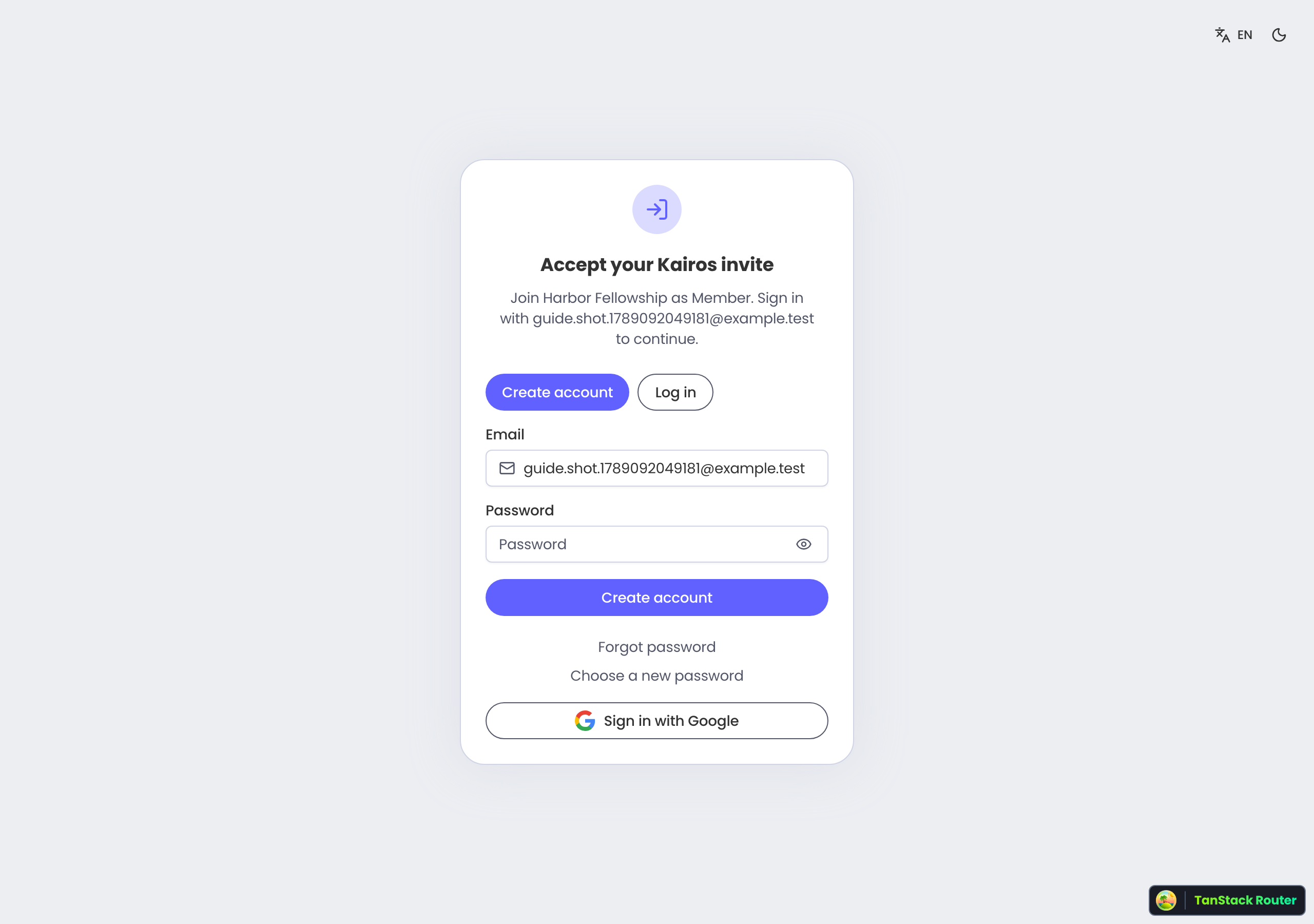
Owner invite
The welcome names the church and asks you to become the organization owner. Accept, create your sign-in, then finish church setup so the workspace has a name and city.
Team invite
An org admin or pastor sends these. The page tells you the church, the role, and the email that must sign in. Use that address — a different inbox cannot accept the seat.
If the link does not work
- Expired — links last seven days. Ask for a new invite.
- Wrong email — sign out and use the address named on the invitation.
- Revoked or invalid — the church already closed this seat. Ask an admin.
Accept in order
- 1
Open the email link
It lands on /invite/… for this church. Bookmarking the home page will not accept the seat.
- 2
Sign in as the invited email
Create an account if you are new, or log in if you already have one.
- 3
Accept the invite
Confirm the church and role, then open the dashboard.