Request a workspace
Tell Kairos about the church. An operator reviews the request and emails the first owner invite.
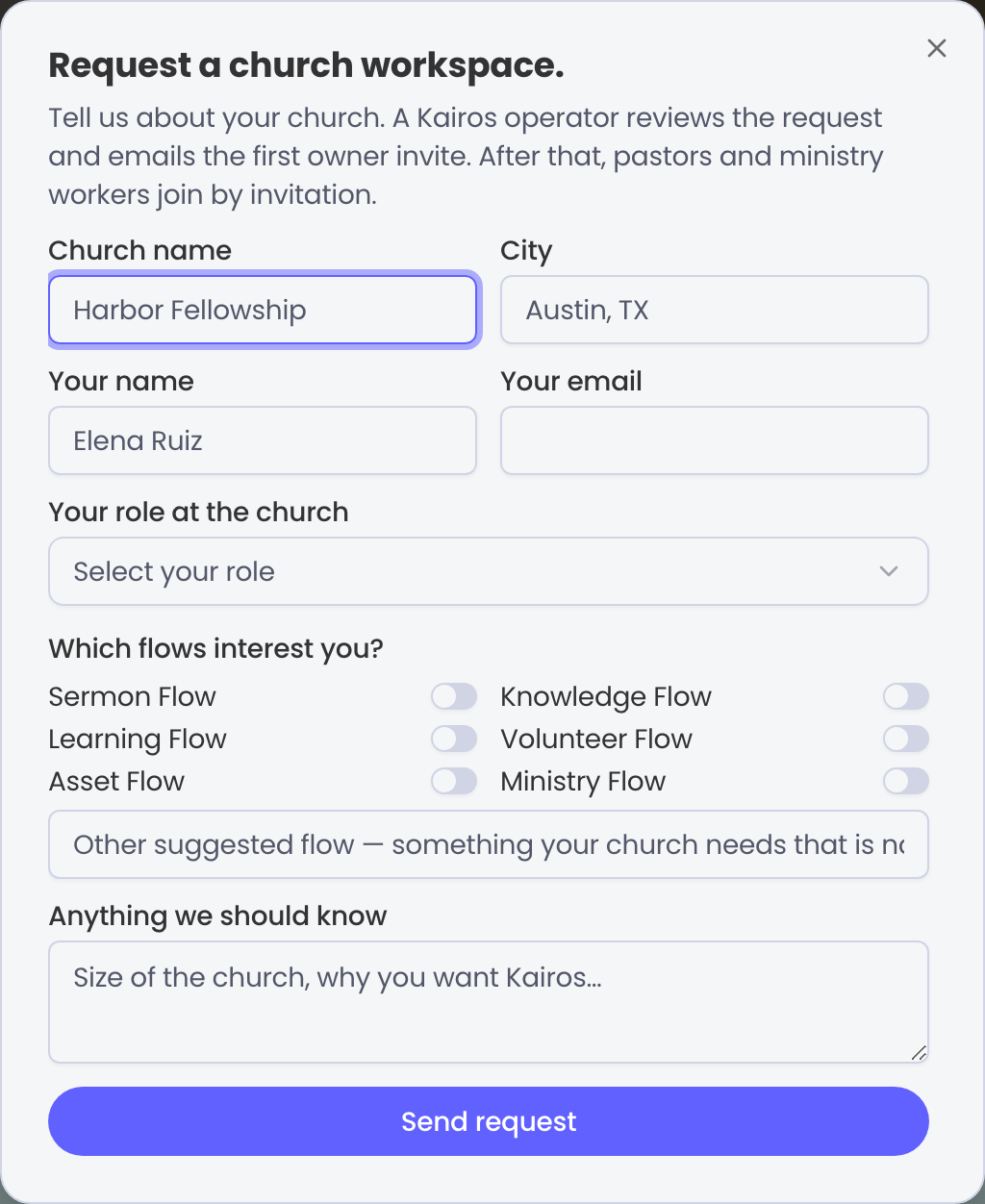
Churches do not self-serve a new tenant. Get started and Request a church workspace open the same form: church details, the owner inbox, the six flows you need, and a short note.
What you send
Church name and city, the owner’s name and email, which ministry flows you want first, and anything an operator should know. This is not a public signup and not a create-organization API.
What happens next
- You receive a confirmation. That message has no password and no invite link.
- A Kairos operator reviews the request, or asks a follow-up by email.
- If approved, the owner invite goes to the address you named.
- The owner accepts, finishes church setup, and invites the rest of the team.
If you already have an invite
Do not send another request. Open the invite link from email, signed in as the address the invite names.