Sermon Flow
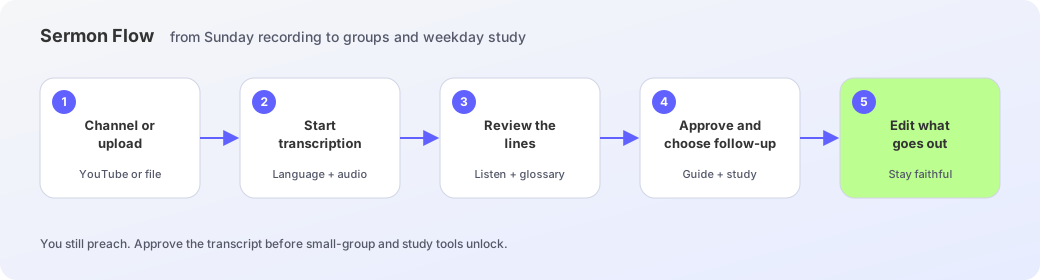
Connect a church channel, transcribe the recording, review with a glossary, then shape a small-group guide and a seven-day study.
Sunday already produced a recording. Sermon Flow carries that same message into groups and weekday study. You still preach. You still listen, correct, and approve what goes downstream.
Connect the church channel
Open Channel import and paste a public YouTube channel or video URL. Discovery runs in the background — keep working while it is Requested or Working, and cancel it before it starts. When it is Ready, manage the connection and sync latest sermons. If the recording is not on YouTube, upload it from Video library.
Find the sermon in the library
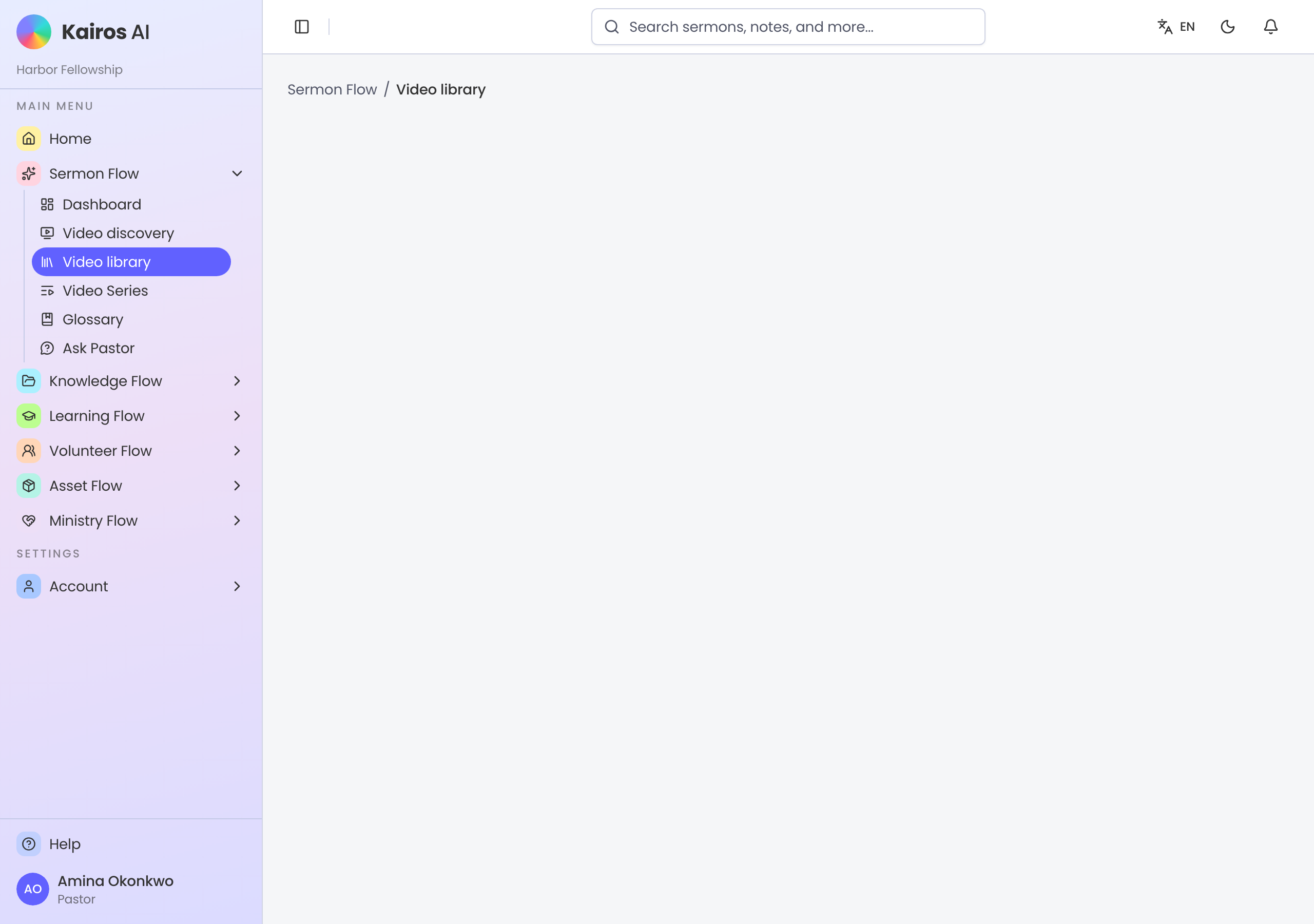
Video library lists imported sermons. Search by title or speaker, then filter by channel, date, or status. Open a sermon for its details, or upload a file when the church recording is not already on YouTube.
Start transcription
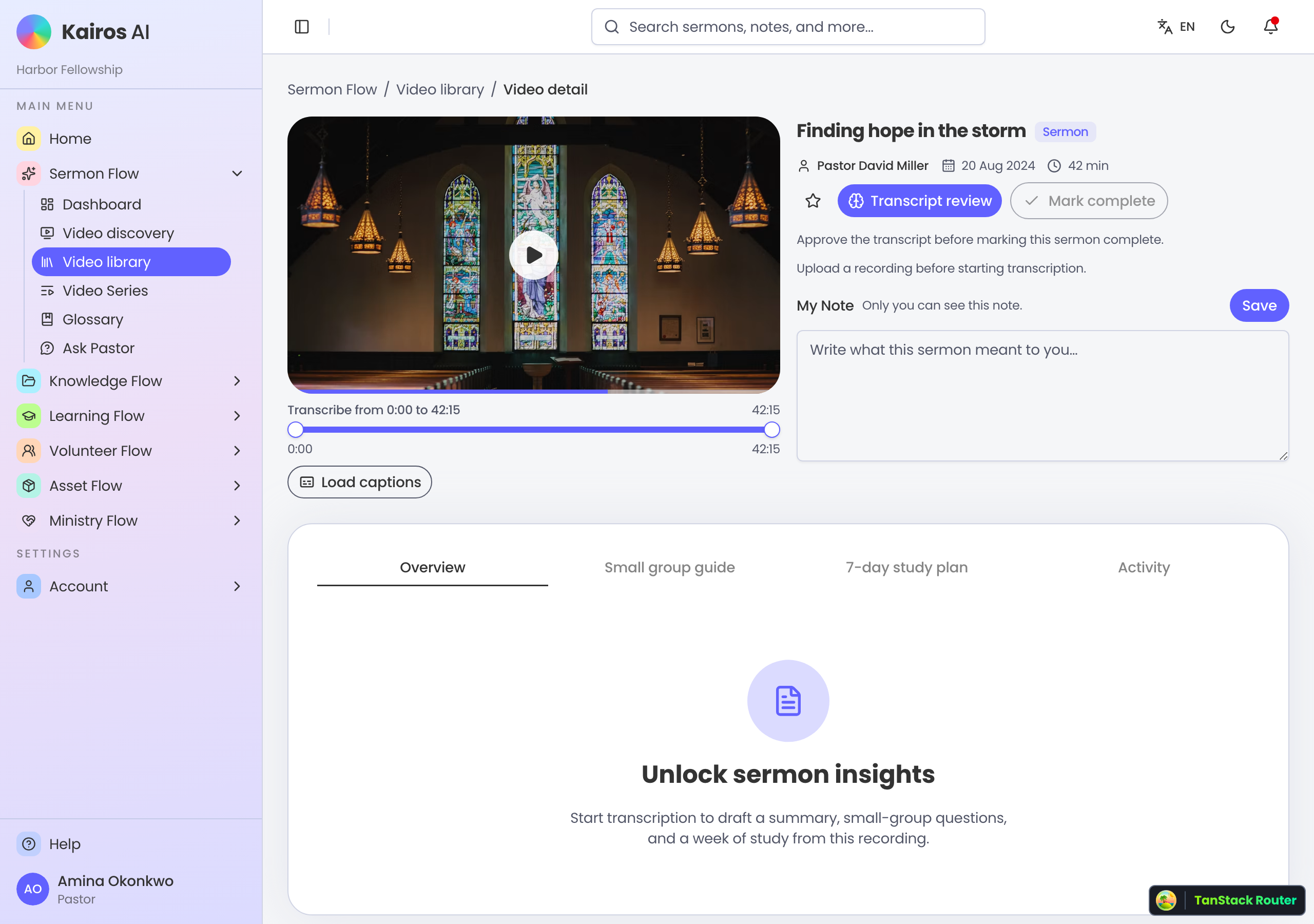
On the sermon’s detail page, choose language, audio quality, and the Bible translation your church reads. Start transcription to unlock the transcript and study tools. If the request is still queued, you can cancel it.
Review the transcript
Walk the recording with the text. Listen jumps the player to that line. Correct a line in place and Save when it differs from the draft. Add a heard form and preferred spelling to the glossary — that pair rewrites this transcript now. Export SRT to edit offline, then import a file with the same number of cues. Approve only after you are willing to send the text downstream.
Keep an organizational glossary
Glossary lists the church’s heard and preferred spellings, who added them, and in which language. Search, edit, or delete a pair here. Changes on this page do not rewrite old sermons — they shape later transcriptions. Add the first pairs while you are reviewing a transcript.
Shape the small-group guide
When you approve, you can queue a small-group study guide. Icebreaker, discussion, and prayer should come from what you actually preached — for leaders who were in the room, and for those who were not. Edit the draft. Kairos does not send it until you say so.
Send a seven-day study
The same approve step can queue a 7-day study guide: one passage a day so the congregation keeps sitting with Sunday through Saturday. You edit the days. You can also queue an AI insight summary or a language translation. The assistant does not preach the week in your name.
This Sunday’s path
- 1
Channel or upload
Connect YouTube from Channel import, or add the recording in Video library.
- 2
Start transcription
Open the sermon, choose language and audio, then queue the job.
- 3
Review the lines
Listen, correct names, add glossary pairs, or import an SRT.
- 4
Approve and choose follow-up
Queue a small-group guide, seven-day study, insights, or a translation — or approve only.
- 5
Edit what goes out
Keep the gathering guide and weekday study faithful to what you preached.